A few years ago, moving everything to the public cloud felt like the obvious next step for many growing companies. No more buying servers, no more managing a closet full of hardware, and capacity whenever you need it. For plenty of workloads, that promise held up. For others, the monthly invoice started telling a different story.
Doug Roberts, chief technology officer of Cytranet, says mid-size companies are increasingly asking a more nuanced question. “It is not cloud or no cloud anymore,” he said. “It is which workloads belong in the cloud and which ones are better on hardware you control. The companies that get that split right tend to spend less and sleep better.”
Why cloud bills surprise people
Public cloud pricing is built for flexibility. You pay for compute, storage, data transfer and a long list of add-on services, usually by the hour or by the gigabyte. That model is excellent for workloads that swing up and down or that are still being developed. It becomes expensive for systems that run at a steady level around the clock, year after year.
Data transfer charges are another common surprise. Moving data out of a cloud provider, whether to users, to another cloud or back to an office, often carries a fee. Applications that serve large files, run frequent backups or exchange data with on-premises systems can accumulate those charges quietly.
“Nobody plans to overspend,” Roberts said. “What happens is a system that was supposed to be temporary becomes permanent, a test environment never gets shut off, and data moves in ways nobody modeled. The bill reflects all of that.”
What colocation offers
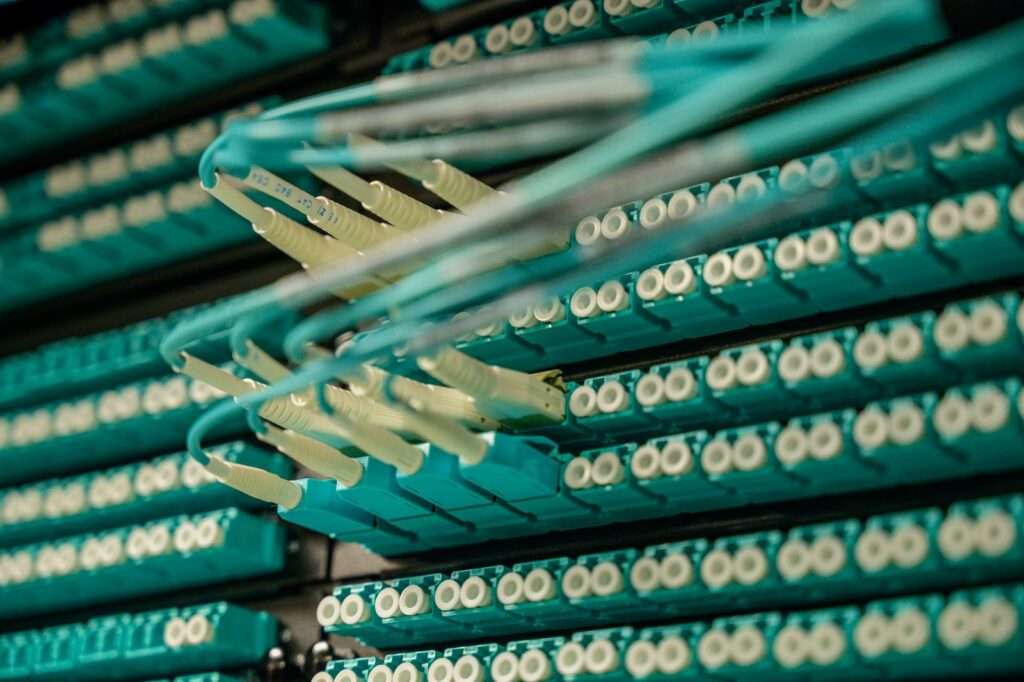
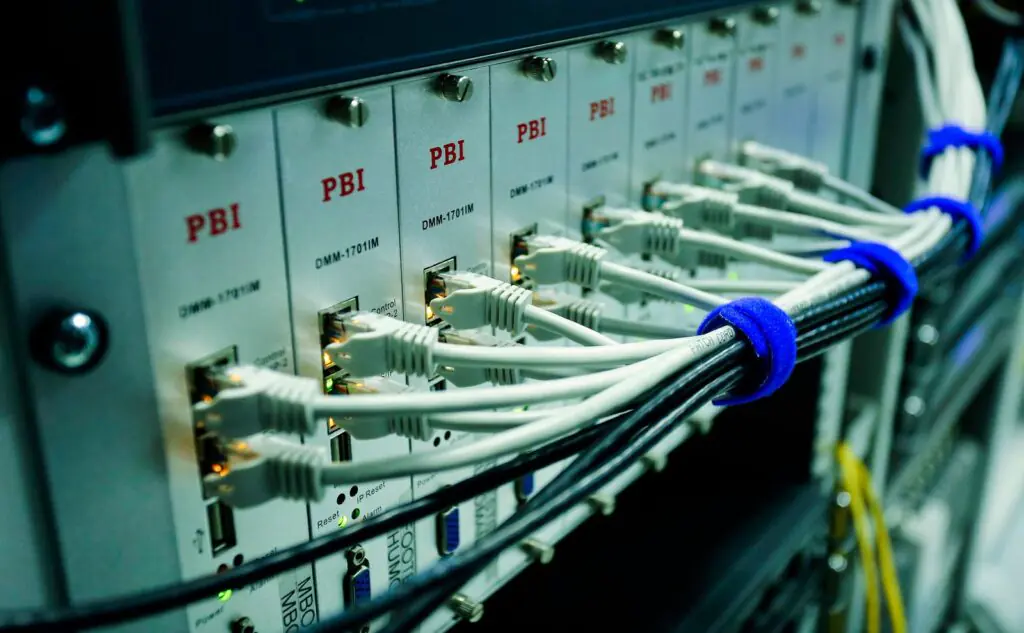
With colocation, a company places its own servers and storage in a professional data center. The facility provides secure space, redundant power, cooling, physical security and high-capacity network connections. The company keeps ownership of the hardware and full control over how it is configured.
The cost structure is different. Hardware is a planned purchase that can be depreciated over several years. The ongoing colocation fee covers space, power and connectivity, which tends to be predictable from month to month. For steady workloads, that predictability is often the biggest attraction.
“Finance teams like colocation because they can see the number coming,” Roberts said. “You know what the rack costs, you know what the power costs, and you are not getting surprised by usage you did not anticipate. For a mid-size business trying to plan a budget, that matters a great deal.”
A practical way to sort workloads
Roberts suggests sorting systems by how they behave rather than by habit. Some questions help:
- Does the workload run at a steady level most of the time, or does it spike unpredictably?
- How much data does it send out to users or other systems each month?
- Are there compliance, licensing or data residency reasons to keep it on dedicated hardware?
- How sensitive is it to latency for local users?
- Does the team have the skills to manage the hardware, or will it need help?
Steady, data-heavy and latency-sensitive systems often fit colocation well. Bursty workloads, short-lived projects and applications built around specific cloud services often stay in the cloud. Many companies end up with a hybrid model, connecting colocated servers to cloud resources over private or dedicated links.
Don’t forget the people costs
Hardware ownership comes with responsibilities. Servers need patching, monitoring, firmware updates and eventual replacement. A fair comparison includes the staff time or outside support needed to run them. For companies without a deep infrastructure team, pairing colocation with managed IT services can close that gap.
The same applies to protection. Backups, replication and a tested recovery plan are just as important in a colocation environment as in the cloud. Roberts notes that many companies use both: primary systems in a colocation facility and backup copies stored elsewhere, so a single site problem does not become a crisis.
Why location still matters
Where the data center sits affects both performance and convenience. A facility close to your offices and users keeps latency low and makes it easy for staff to visit when hardware needs attention. Cytranet has written about the advantages of local colocation for Las Vegas businesses, and the same logic applies to companies elsewhere in the region.
Connectivity is part of the decision too. A colocated environment is only as useful as the connections into it. Dedicated fiber links from offices to the data center, along with diverse carrier options inside the facility, help keep everything reachable.
Making the decision
Roberts encourages companies to start with a clear picture of current spending before moving anything. “Pull a year of cloud invoices, map them to the systems they support and look for the steady workloads,” he said. “That exercise alone usually shows where the savings are. From there, you can build a plan that puts each system where it runs best and costs the least.”
He also cautions against swinging too far in either direction. “The goal is not to leave the cloud or to avoid it,” he said. “The goal is to be intentional. When each workload has a reason for where it lives, costs stay under control and the business gets the performance it needs.”
Cytranet provides colocation, data center services, connectivity and IT consulting for businesses across the Southwest. Companies reviewing their infrastructure strategy can talk with the Cytranet team about which approach fits their workloads.