Your phone system knows a lot about your business. It knows when customers call, how long they wait, which lines ring most and which calls go unanswered. It can even tell you which advertisement prompted someone to pick up the phone. Most small businesses never look at any of it.
That is a missed opportunity. The standard reports built into most cloud phone systems can help you schedule staff more accurately and see which marketing efforts actually produce calls. You do not need a data analyst or a full contact center platform to get value. You need to know which reports to open and what questions to ask.
The reports worth knowing
Names vary by platform, but most business phone systems offer some version of the following.
Call volume by time
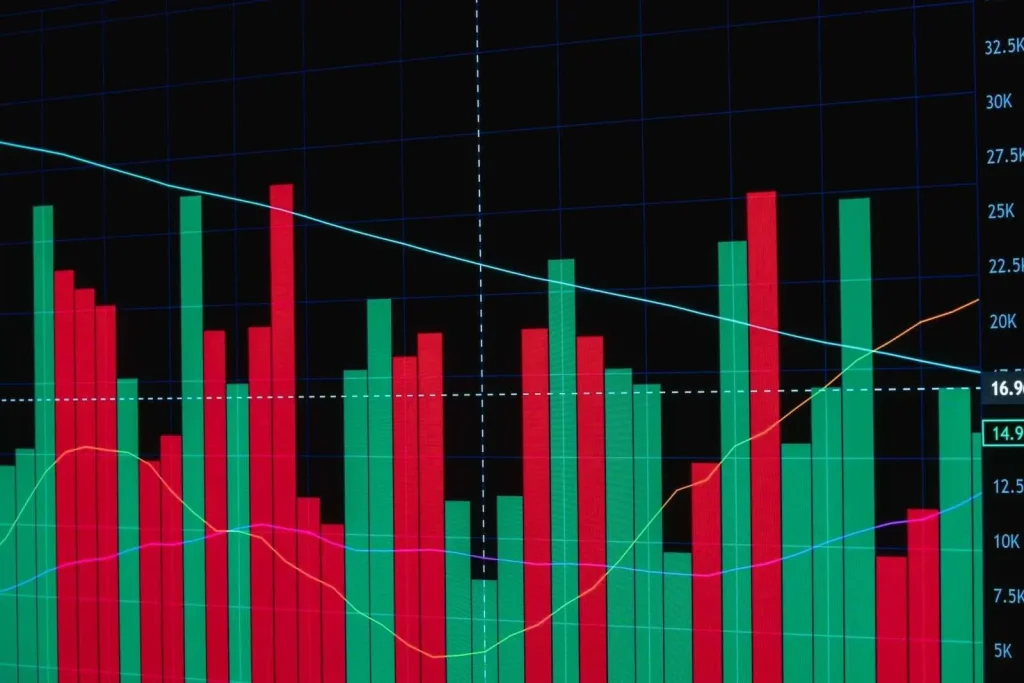
This shows how many calls arrive by hour of the day and day of the week. It is the single most useful report for staffing.
Missed and abandoned calls
Missed calls rang without being answered. Abandoned calls hung up while waiting in a queue. Both represent customers who did not get what they wanted.
Queue and wait time
For businesses using call queues, these reports show average and longest waits, plus how many callers reached someone within a target time.
Call detail records
A line-by-line log of every call with caller ID, number dialed, time, duration and outcome. Useful for digging into specific questions.
User and team activity
Calls handled, talk time and availability by person or group. Use these to spot uneven workloads, not to micromanage.
Using reports to staff better
Staffing to your real call pattern instead of a guess is where reports pay off fastest.
Find your peaks
Pull at least four to eight weeks of call volume by hour. Look for consistent patterns. Many businesses find a morning surge, a dip around lunch and a smaller late afternoon bump. Seasonal businesses will also see monthly swings.
Line up coverage with demand
Compare the peaks with your schedule. Are breaks and lunches landing in the busiest hour? Does the office open fifteen minutes after the first wave of calls? Small schedule shifts often eliminate most missed calls without adding anyone.
Watch the missed call rate by hour
If missed or abandoned calls spike at specific times, those are the hours to reinforce. Options include staggering shifts, adding an overflow group from another department, or offering callback in queue during busy periods.
Balance the load
Team activity reports can reveal that one or two people are handling most calls while others rarely answer. Adjusting ring order or switching to a more even distribution method shares the work and reduces burnout.
“Call reports take the guesswork out of scheduling,” said Doug Roberts, chief technology officer of Cytranet. “When managers can see exactly when calls come in and when they’re being missed, they can make small adjustments that have a big impact on customers and on their own teams.”
Using reports to measure marketing
Phone calls are often the most valuable leads a business receives, yet they are the hardest to attribute. A few simple techniques close that gap.
Tracking numbers
Assign a different phone number to each campaign or channel, such as a billboard, a print ad, a direct mail piece, a website and an online ad. All of them ring the same place, but the phone system records which number was dialed. Call reports then show exactly how many calls each campaign produced.
Dialed number reporting
Filter call detail records by the number dialed to count calls, see when they arrived and how many were answered. A campaign that drives calls at 7 p.m. when nobody is in the office is sending you leads you are missing.
Compare cost to calls
Divide what you spent on each campaign by the number of calls it produced. Even a rough cost per call makes budget decisions much clearer. Track answered calls too, since a campaign that generates calls you cannot answer is not really working.
Connect calls to outcomes
If your phone system integrates with a customer relationship management tool, calls can be logged against contacts and deals automatically. That lets you follow a lead from the first call to a closed sale. Our article on customer engagement analytics explores this in more depth.
Building a simple monthly routine
Reports only help if someone looks at them. A short monthly review is enough for most small businesses.
- Check total calls and compare to last month and last year.
- Review missed and abandoned calls by hour and by line.
- Look at queue wait times against your target.
- Count calls from each tracking number and compare with campaign spend.
- Note one or two changes to try, then check the results next month.
Schedule the reports to arrive by email if your platform allows it. That removes one more excuse to skip the review.
Common pitfalls
- Reading one week as a trend. Holidays, weather and one-off events skew short periods.
- Counting internal calls. Filter out extension-to-extension calls so they do not inflate customer numbers.
- Ignoring after hours calls. These often show demand you are not meeting.
- Using activity data punitively. Reports should improve coverage and training, not create anxiety.
When you need more
Standard reports cover most small business needs. Larger or faster-growing teams may want real-time dashboards, speech analytics or deeper contact center reporting. Our overview of call center analytics metrics and our guide to AI call analytics and call recording cover those next steps.
Put your phone data to work
The information to staff smarter and spend marketing dollars more wisely is probably already sitting in your phone system. Cytranet’s business cloud voice and unified communications services include reporting, tracking numbers and flexible routing, supported by a team that is available 24/7. If you would like help setting up reports or tracking numbers, reach out to us.
Talk to Cytranet
A business-only carrier for fiber internet, cloud voice, managed Wi-Fi, and managed IT. Start with a free technology evaluation.