Look around most offices and you will see a mix of setups. Some people still have a phone on the desk with a handset and a row of buttons. Others take every call through a headset plugged into a laptop. A few never sit down at all and answer from a mobile app between appointments. None of these is wrong. The mistake is choosing one endpoint for everybody and hoping it fits.
This guide compares softphones and desk phones, then maps them to common roles so each person gets the tool that matches how they work.
What we mean by an endpoint
An endpoint is simply the device or app where a call begins or ends. In a cloud phone system, the intelligence lives in the platform, not the hardware. Extensions, routing rules, voicemail and call queues follow the user, which means the same person can have a desk phone, a desktop app and a mobile app all ringing at once. That flexibility is one of the biggest advantages of business VoIP, and it is why endpoint choice is now a per-person decision instead of a building-wide one.
Desk phones in brief
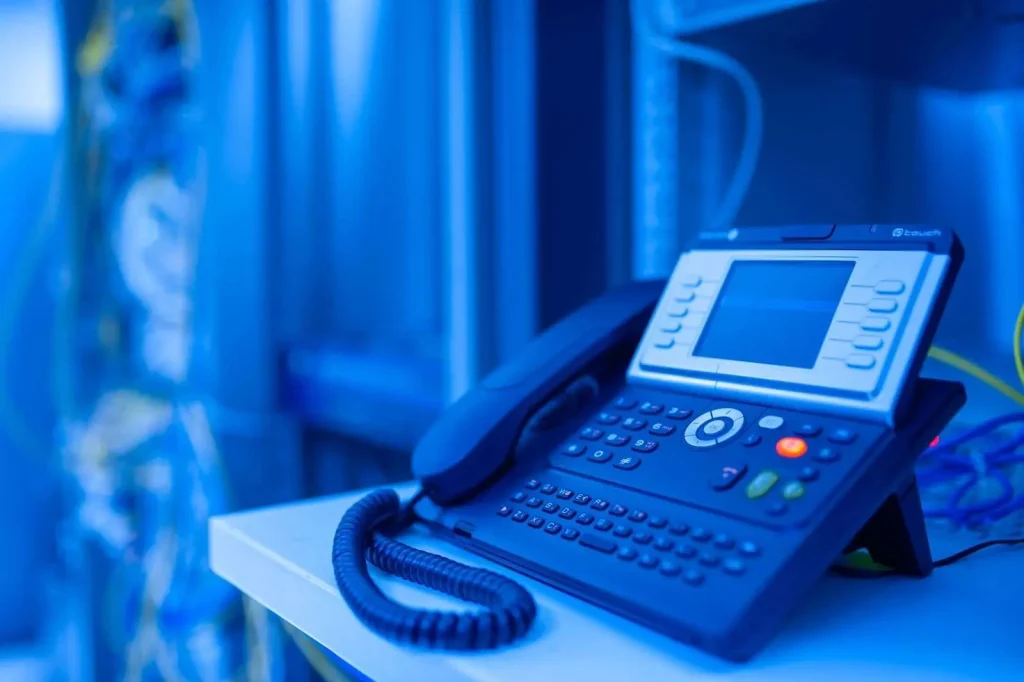
A desk phone is a dedicated piece of hardware that connects to your network, usually over an ethernet cable that also supplies power. It boots up, registers to the phone system and sits there ready. Modern models offer programmable keys, busy lamp fields that show when colleagues are on a call, sidecars for receptionists and speakerphones that sound far better than most laptops.
Softphones in brief
A softphone is software. It runs on a computer, tablet or smartphone and uses a headset, earbuds or the device’s own microphone and speaker. Most business softphones also bundle chat, presence, video meetings and contact directories, so they often double as the front door to a broader collaboration experience.
The honest trade-offs
Neither option wins on every count. Here is how they compare on the factors that matter day to day.
- Reliability. A desk phone does one job and rarely crashes. A softphone shares resources with everything else on the computer, so a frozen browser tab or a pending operating system update can interrupt a call.
- Call quality. Both can sound excellent. Desk phones have purpose-built audio. Softphones depend heavily on the headset and on Wi-Fi conditions, so a good wired or business-grade wireless headset matters.
- Mobility. Softphones win easily. The same extension works at home, in a hotel or at a client site.
- Cost. Softphones avoid hardware purchases, though headsets still cost money. Desk phones are a capital expense but tend to last many years.
- Visibility. Busy lamp fields and physical buttons make desk phones faster for anyone transferring lots of calls.
- Emergency calling. Fixed desk phones make it easier to keep a dispatchable location on file. Softphones need location settings that update as people move, so review how your provider handles this.
Matching endpoints to roles
Instead of debating the technology in the abstract, start with a list of roles. For each one, ask how many calls the person handles, whether they transfer calls, where they physically work and what else they do on their computer.
Reception and front desk
Receptionists live on transfers. They need to see at a glance who is available, park calls, and move quickly from one line to the next. A desk phone with an expansion module is still hard to beat here.
Sales and account management
Salespeople tend to split time between the office, home and the road. A softphone on the laptop plus the mobile app gives them one business number everywhere, with the ability to keep personal numbers private. Integration with contact records and click-to-dial also saves real time.
Customer support agents
Agents who handle a steady flow of queue calls usually do best with a softphone and a quality noise-canceling headset. Their queue tools, ticketing system and knowledge base are already on screen, so keeping calls in the same place reduces switching. If your support group runs a dedicated contact center platform, confirm that the agent desktop and the softphone are the same application.
Field and mobile staff
Technicians, drivers and property managers rarely sit at a desk. The mobile app is their primary endpoint. Make sure it handles poor coverage gracefully, supports switching between cellular data and Wi-Fi, and can hand a live call from the phone to a desk device when they return to the office. We cover this in more depth in our look at mobile access in a business phone system.
Executives and managers
Leaders often want both. A desk phone with a good speakerphone for the office, plus apps for everywhere else. Features like delegate or assistant access, where an office manager can answer on someone’s behalf, influence the choice more than the hardware itself.
Don’t forget the network
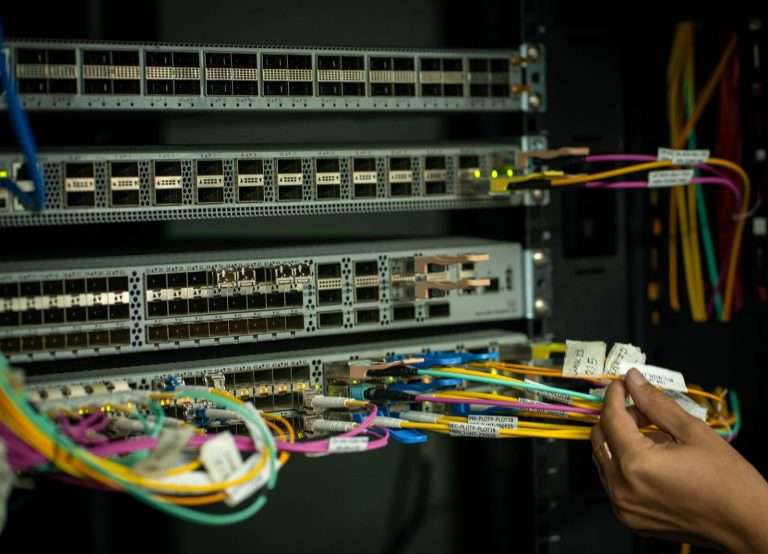
Whatever mix you choose, the network carries the load. Desk phones typically need power over ethernet switch ports and a clean cable run, which is where solid structured cabling pays off. Softphones lean on Wi-Fi, so access point placement, roaming behavior and quality of service settings all show up in call quality.
“People blame the phone app when the real issue is usually the wireless network or a consumer headset,” said Doug Roberts, chief technology officer of Cytranet. “When the network is designed with voice in mind, both softphones and desk phones sound great, and people stop thinking about the technology at all.”
A simple rollout plan
- List every role and count the people in each.
- Assign a primary endpoint and a backup for each role.
- Pilot with a few volunteers from each group for two weeks.
- Standardize headset models so support is easier and spares are interchangeable.
- Document how to log in, change status and forward calls, then train in short sessions.
- Review after a month and adjust anyone who is clearly using the wrong tool.
Bringing it together
The right endpoint strategy is less about picking a winner and more about respecting how different people work. Start with roles, validate with a pilot, and make sure the network underneath is ready for voice. If you would like help mapping endpoints for your own team or checking whether your wiring and Wi-Fi are up to the job, reach out to the Cytranet team. We work with businesses, nonprofits and government agencies across the Southwest every day, and support is available around the clock.
Talk to Cytranet
A business-only carrier for fiber internet, cloud voice, managed Wi-Fi, and managed IT. Start with a free technology evaluation.